
michaeldvinci
Sunday, November 2, 2025 | 2 minutes
SwiftShelf for Android TV: Audiobook Client Not Built in Swift
Opening
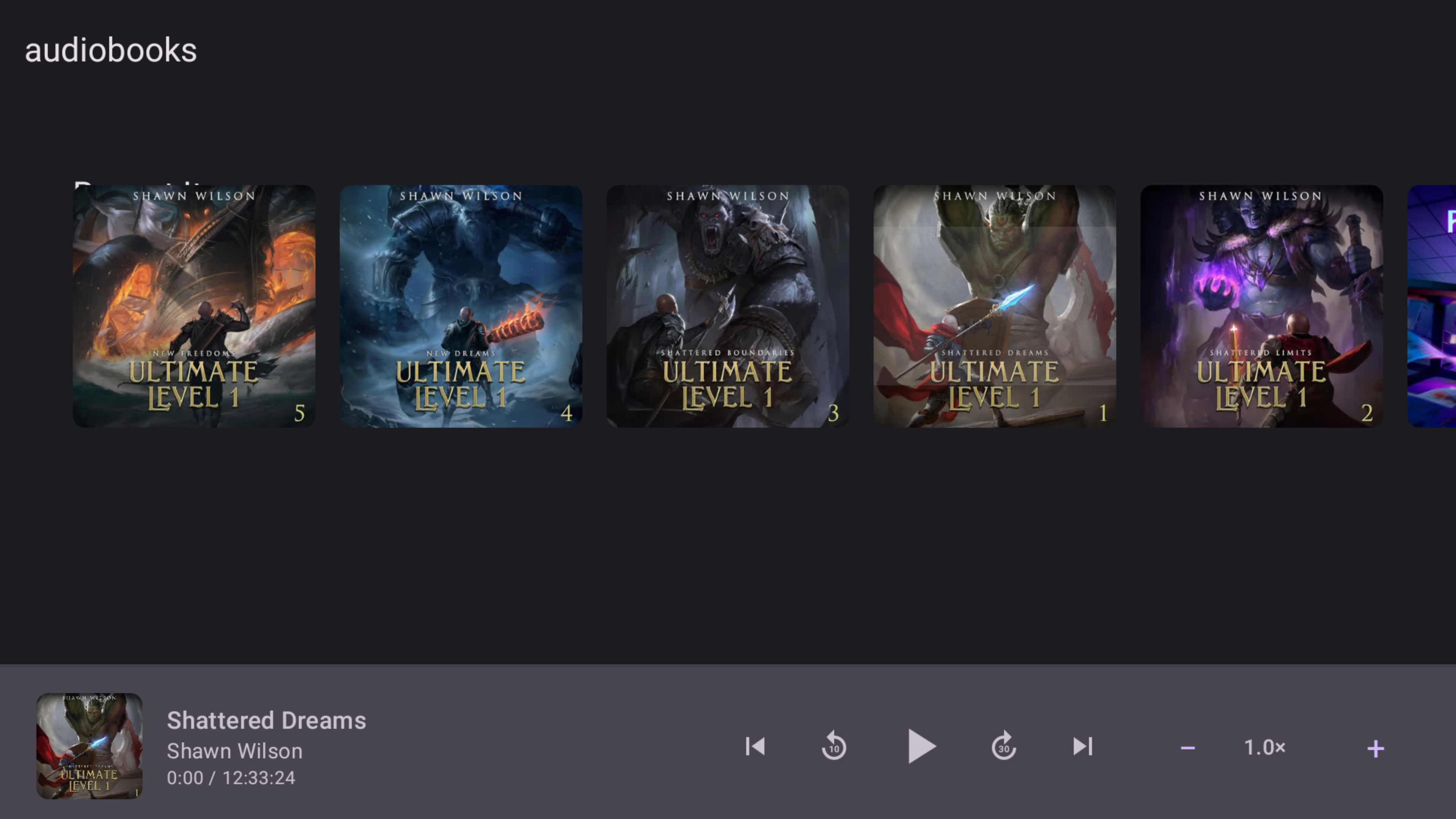
SwiftShelf for Android TV is a dedicated client application to bring your Audiobookshelf experience to the big screen. Built using Kotlin, it leverages Android’s modern design components and media capabilities to deliver a smooth, remote-friendly interface for browsing and playing audiobooks. Architecturally, it employs the MVVM pattern with Kotlin Coroutines and integrates ExoPlayer for high-quality audio playback.
Architecture/Technical Overview
The project is structured around a clean MVVM architecture, ensuring a clear separation of concerns and making it more maintainable. Network operations are handled using Retrofit for seamless communication with the Audiobookshelf server. Kotlin Coroutines and StateFlow facilitate asynchronous operations and reactive state management, respectively. The audio playback is managed using ExoPlayer with MediaSession for system-level controls. Although Room is planned for local caching, the current focus is on direct server data access.
Technical Stack
Backend
- Language: Kotlin
- Concurrency Model: Kotlin Coroutines for non-blocking operations
API
- Endpoints:
/login: Authenticate with Audiobookshelf/libraries: Fetch available libraries/audiobooks: Retrieve audiobooks with metadata
Frontend
- UI Technologies: Jetpack Compose for a declarative UI
- Real-time Updates: StateFlow for dynamic UI state management
Database/Storage
- Current Strategy: EncryptedSharedPreferences for secure credential storage
- Planned: Room for local caching of audiobook data
Implementation Details
Configuration is handled through a combination of EncryptedSharedPreferences for storing sensitive information like API keys. Here’s a snippet for the initial configuration:
// .swiftshelf-config.json
{
  "host": "https://your-abs-server.com",
  "apiKey": "your-api-key-here"
}
A technical challenge was ensuring smooth media playback synchronization, achieved by integrating MediaSession for system notifications and ExoPlayer for playback. The UI leverages Jetpack Compose to maintain a modern feel with Material Design 3 elements, ensuring compatibility and a polished look on Android TVs.
Deployment/Setup
SwiftShelf can be deployed on any Android TV running API 26 or higher. To get started quickly:
- Download the latest APK from the Releases page.
- Install using ADB:
adb install app-debug.apk - Launch the application and configure your Audiobookshelf server details.
For those interested in contributing or customizing, clone the repository and build using Android Studio. Ensure JDK 17 is installed for compatibility.
Future Work
- Offline Playback: Enable downloading for offline use
- Sleep Timer: Automatically stop playback after a set time
- Playback Queue Management: Enhance user control over audio sequences
- Additional Integrations: Android Auto and Cast support
Explore the full capabilities of SwiftShelf on GitHub and contribute to its development!